
Meet APIOrbit 27 — AppIntents, Siri Shortcuts, and Full OS 27 Support
Sending a request from your phone is easy. Sending it without opening the app — from a Siri command, a Shortcuts automation, or a Spotlight search — hasn't been possible at all. If your workflow lives partly outside APIOrbit, in Automations or on the Home Screen, you've had no way to plug the app into it.
With APIOrbit 27, that changes — and so does the app's relationship with the OS itself, with full support for iOS 27, iPadOS 27, macOS 27, and visionOS 27 across iPhone, iPad, Mac, and Vision Pro.
Let's dig in.
Ask Siri, search Spotlight, run Shortcuts
APIOrbit now shows up where the rest of your apps do: the Shortcuts app, Siri, and Spotlight search.
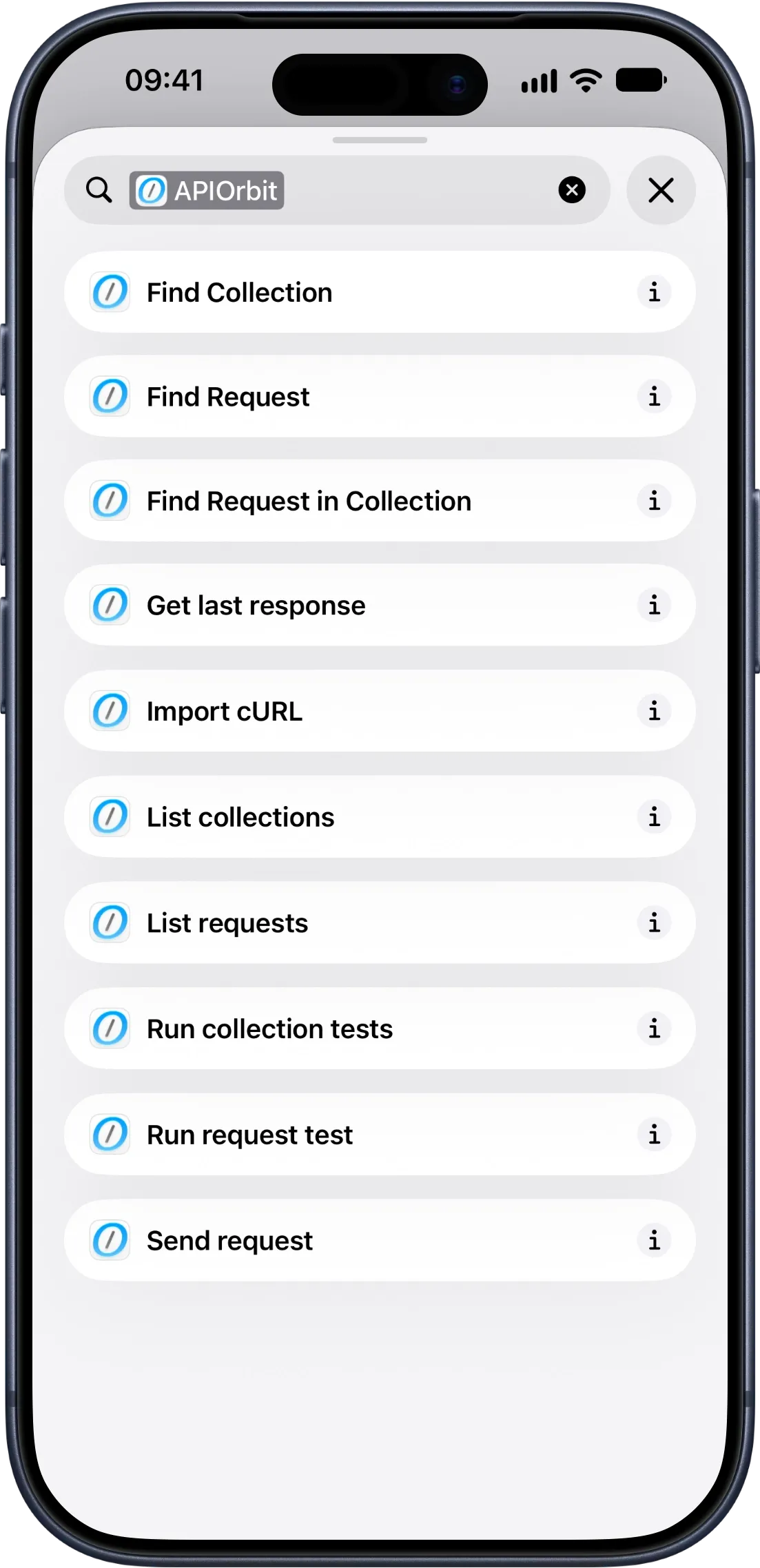
Search "APIOrbit" in the Shortcuts app and you'll find ten actions to build with: Send Request, Find Collection, Find Request, Find Request in Collection, List Collections, List Requests, Get Last Response, Run Request Test, Run Collection Tests (APIOrbit Pro), and Import cURL (APIOrbit Pro).
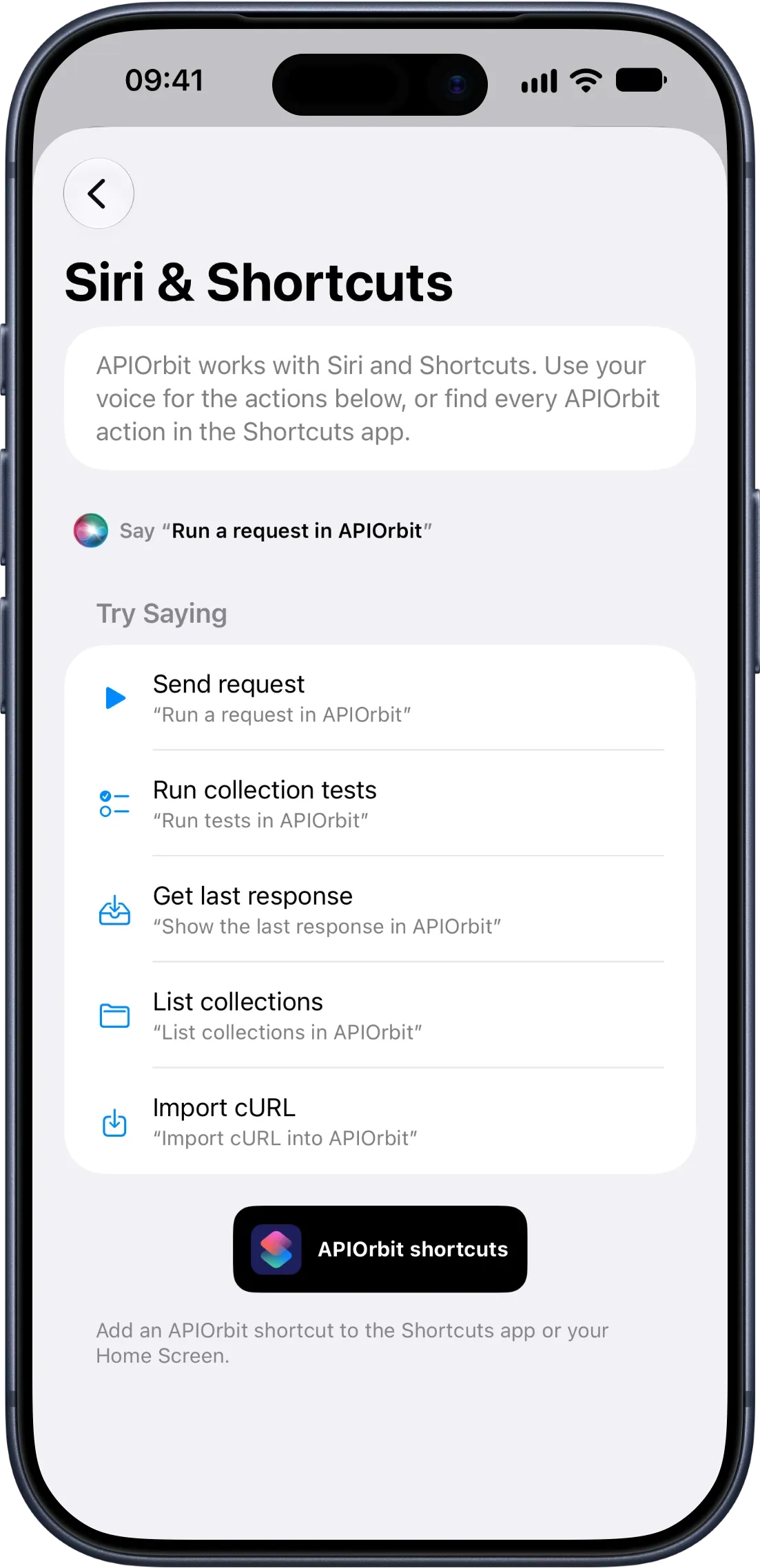
Chain them into an automation, trigger one from a widget or NFC tag — or skip the Shortcuts app entirely and just talk to Siri:
- "Run a request in APIOrbit" — sends your last request
- "Run tests in APIOrbit" — runs a full collection's tests
- "Show the last response in APIOrbit" — reads back your last result
- "List collections in APIOrbit" — hears what you've got saved
- "Import cURL into APIOrbit" — pastes a cURL command straight in
No unlocking your phone, no opening the app.
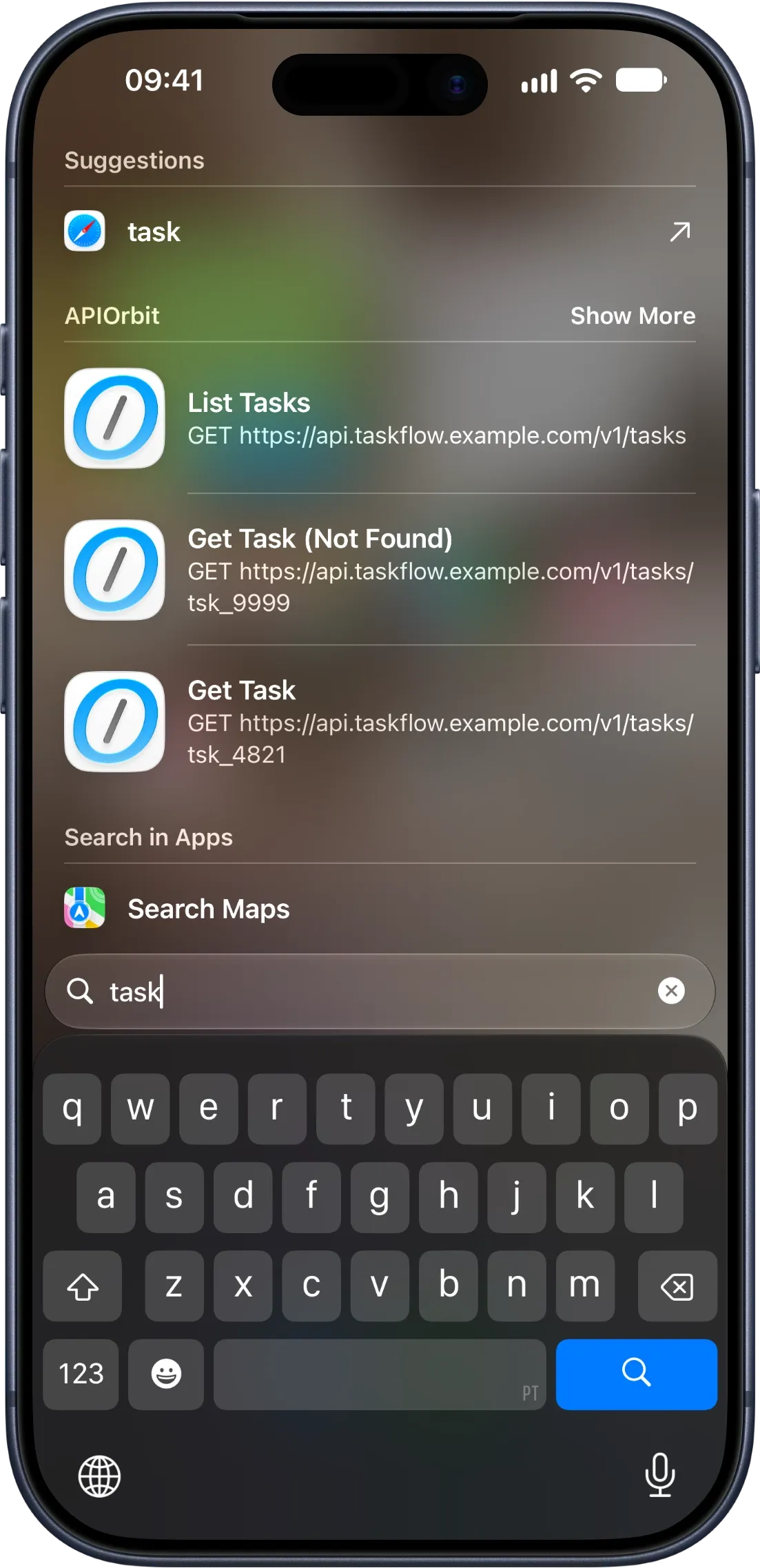
Your saved requests and collections are searchable straight from Spotlight too (iOS 18, iPadOS 18, macOS 15, or visionOS 2 and later) — tap a result and APIOrbit opens right to it.
Full support for iOS, iPadOS, macOS, and visionOS 27
APIOrbit 27 is built and tested against the new OS lineup end to end, with a handful of changes that only show up once you're actually running it:
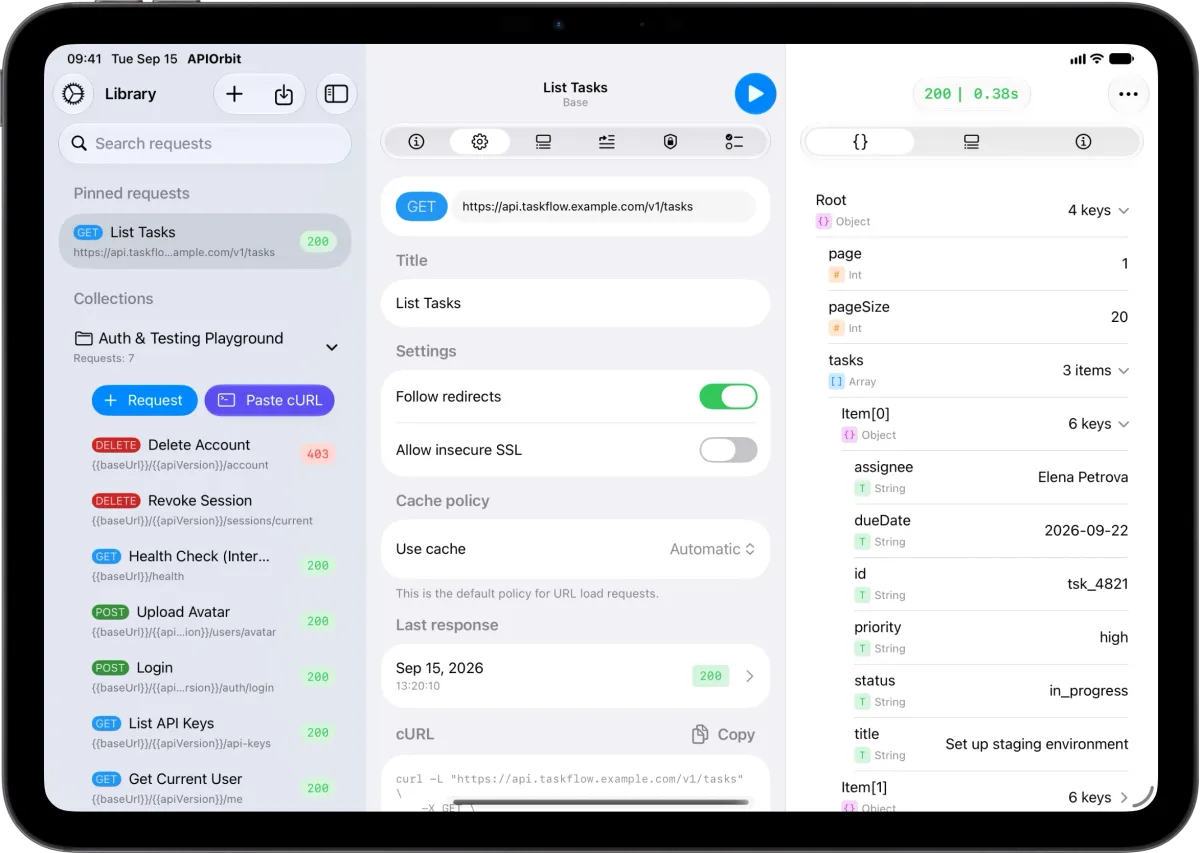
- iPad sidebar and detail columns are now user-resizable — drag the divider to the width you want, and APIOrbit remembers it, matching the way NavigationSplitView columns now behave platform-wide.
- Fixed a layout glitch on iPad where rotating the screen with the keyboard open could leave an odd gap of empty space in a sheet afterward.
- Mac menus keep their icons. The system started hiding them by default this cycle; APIOrbit's menus show both title and icon, same as before.
- Smoother scroll edges across lists and long content, on both iOS and macOS.
- A proper launch screen — you'll see the APIOrbit mark for a moment on launch instead of a blank flash.
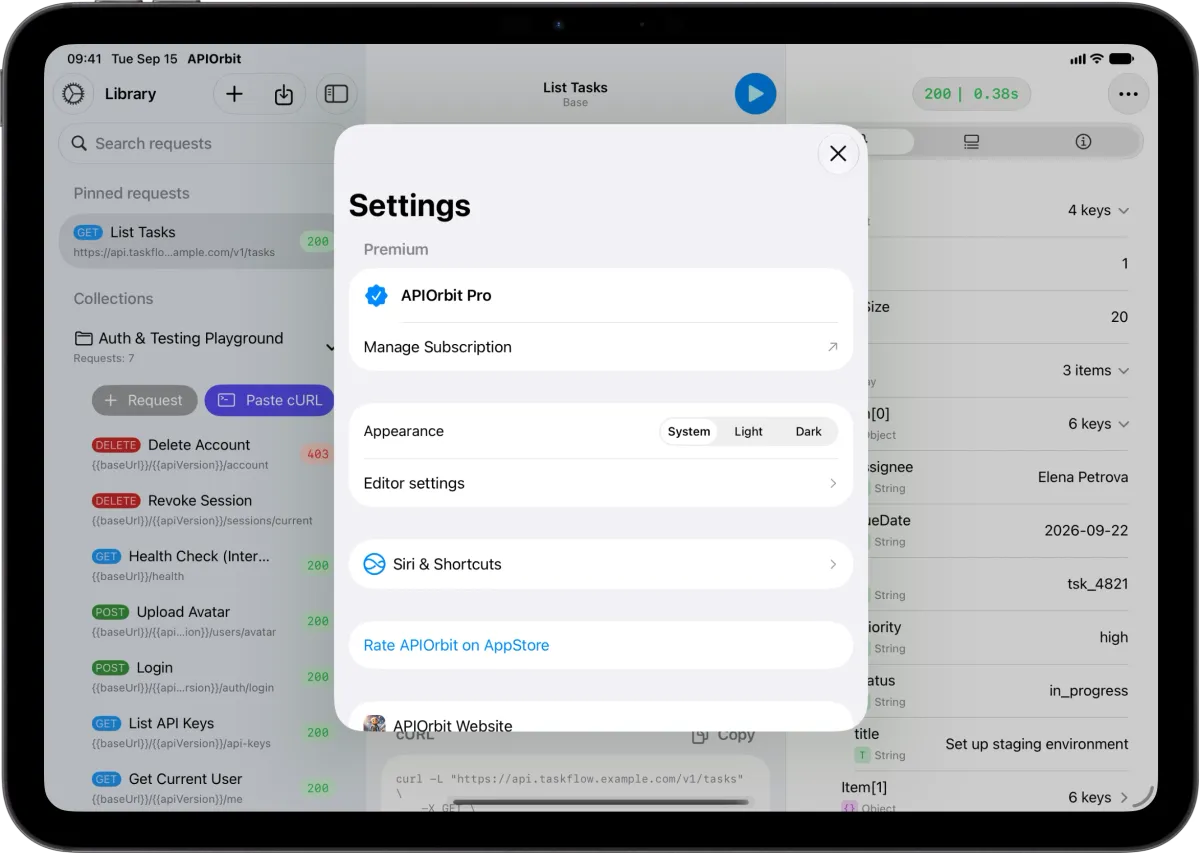
A clearer Settings screen
Settings now groups everything about your subscription into one Premium section — your active plan and a Manage Subscription row that opens the system sheet directly, guarded so a fast double-tap can't open it twice. Right below it, a new dedicated Siri & Shortcuts row takes you straight to the system settings for reconfiguring voice phrases and permissions.
Thank you for being with us
APIOrbit keeps getting better because of developers who use it every day and tell us what's missing — Shortcuts and Siri support has been on that list for a while, and we're glad it's finally here.
If this update makes your workflow a little smoother, a rating or review on the App Store genuinely helps us keep building. There's more on the way.